Step 01
Set up
Allow the microphone, choose what audio to keep, and run the quick room check.
Download SnoreSense, a snoring tracker for iPhone. Set up in under a minute and wake up to your first morning report.
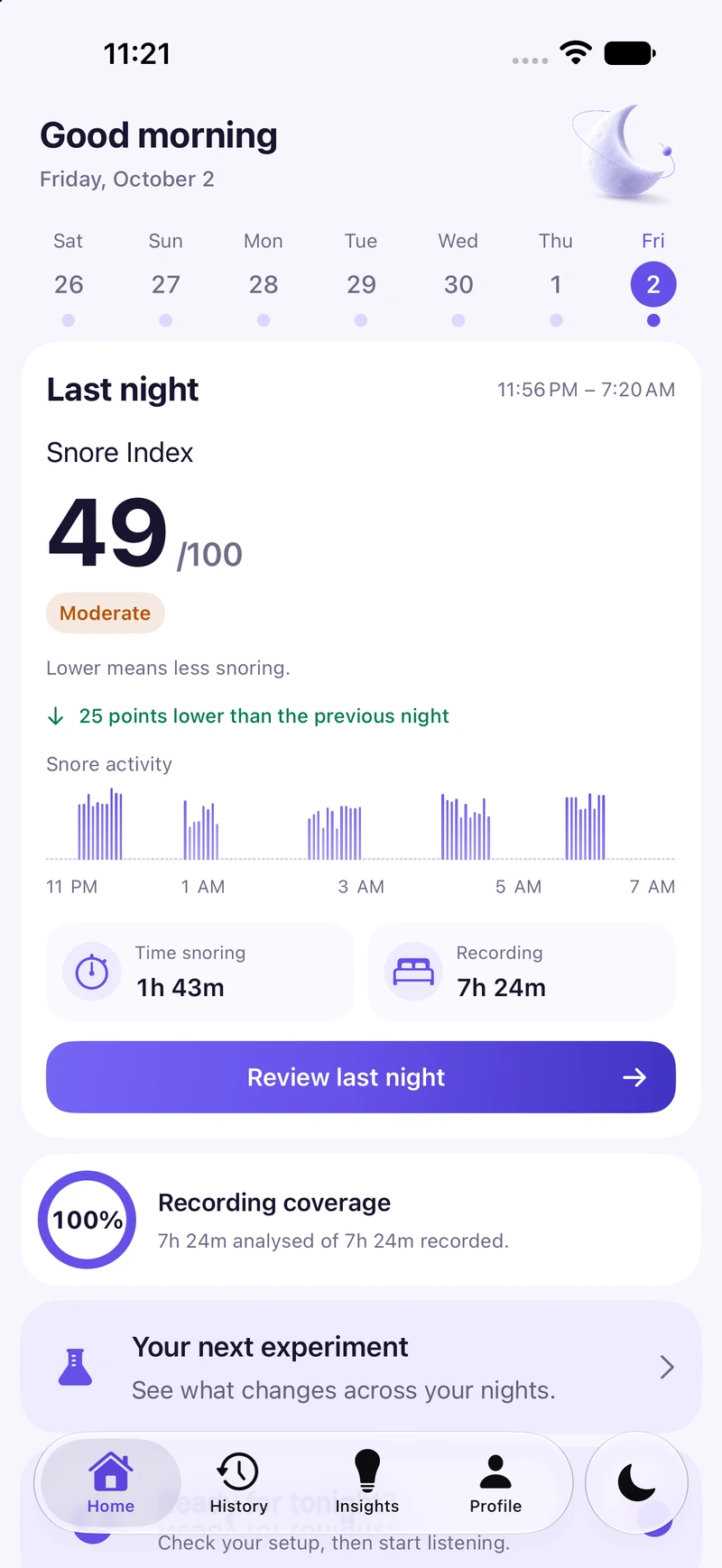
Recording, morning reports, snoring highlights, your last seven nights, and PDF reports are free. You can also export your data and run one experiment at a time.
Pro adds unlimited history, 30 and 90-day trends, unlimited experiments, full-night audio, Apple Watch comparison, a multi-night clinician PDF, and advanced widgets.
Your iPhone records the audio; Apple Watch is optional. See free features and Pro purchase help before choosing.
Allow the microphone, choose what audio to keep, and run the quick room check.
Plug in, place your iPhone by the bed, and start the session. That's it.
End the session in the morning, open your report, and play back your highlights.
Need placement tips or help with permissions? Follow the iPhone snoring recording setup guide.
SnoreSense is a personal wellness tool, not a medical device. Read Health & safety.